
PAIRING / 01
Activewear, plus everyday hydration.
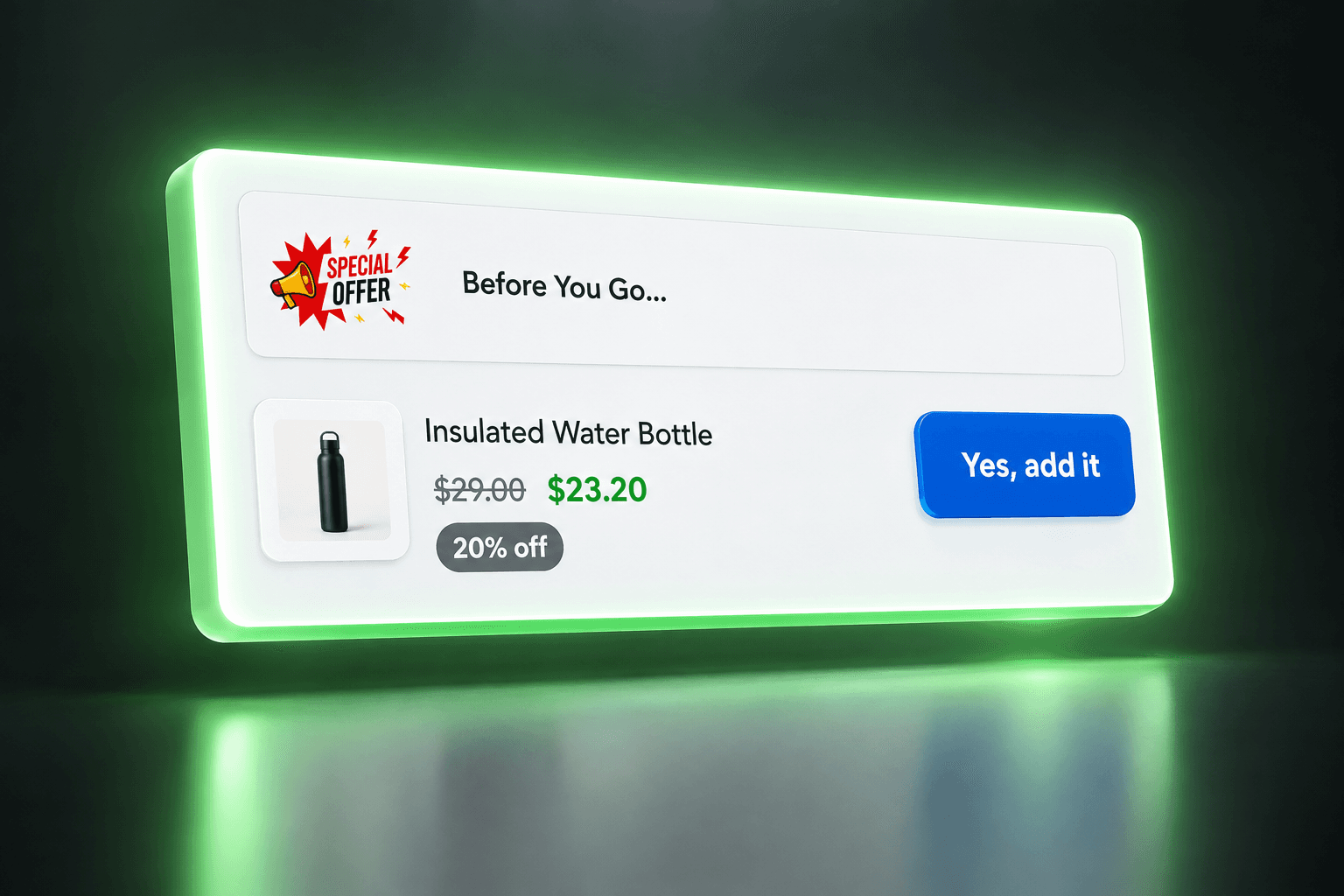
After buying workout clothing, a customer sees an insulated water bottle. It supports the same routine without repeating the purchase they just made.
Shopify Thank You page upsell
An order confirmation can do more than say thanks. Give customers a relevant next discovery with complementary product recommendations after their purchase.
THE OPPORTUNITY
Your customer has reached the order confirmation experience and knows what they bought. Shopify Thank You page product recommendations can make that moment more useful: acknowledge the purchase first, then introduce something that belongs alongside it. Keep order details clear and easy to find.
FROM IDEA TO OFFER
Create a Thank You page offer in MustHave Upsell around a product that complements a completed purchase.
Follow the app setup flow and add the available app block to the Thank You page in Shopify’s checkout and accounts editor.
Preview the placement and test the offer action. Keep the recommendation secondary to the customer’s order confirmation.
RELEVANT BEATS RANDOM
Example pairings to inspire your offers, not customer results.
PAIRING / 01
After buying workout clothing, a customer sees an insulated water bottle. It supports the same routine without repeating the purchase they just made.
PAIRING / 02
Someone orders a candle as a gift. Recommend a wick trimmer for ongoing care: a useful accessory they may not have discovered while choosing the scent.
A MORE THOUGHTFUL WAY TO SELL
Make a page in the purchase journey useful for discovery rather than relying only on another store visit.
Keep Shopify order confirmation upsells tied to what customers have bought and how they will use it.
A relevant recommendation gives customers a reason to consider an additional item after the original order.
A FEW GOOD QUESTIONS
A Thank You page offer appears within the confirmation experience. A post-purchase extension appears between payment and the Thank You page. Their setup and purchase flows are different.
Do not assume that it does. Test the offer action in your configured store and confirm the resulting payment and order flow with support before describing it to customers.
Shopify makes Thank You page UI extension blocks available on Basic and higher plans. Check the MustHave Upsell setup flow for your store’s specific requirements.
Choose an accessory that helps the customer use or enjoy the original purchase, such as a water bottle with activewear. Avoid distracting from order details with unrelated products.
Do not assume so. Shopify treats Thank You and Order status as separate editor pages. Follow the app’s supported placement instructions and verify each page separately.
MUSTHAVE / UPSELL
Give your order confirmation experience a thoughtful next step.
Install on ShopifyONE APP. MORE POSSIBILITIES.