
Discover upsell opportunities
Find relevant products and suggest offers worth creating.
MUSTHAVE / AI CONNECTORS
Connect ChatGPT or Claude to MustHave Upsell and turn your store's product and offer data into actionable upsell ideas.
Connect your AIYour favorite AI. Real store context. No AI API key.
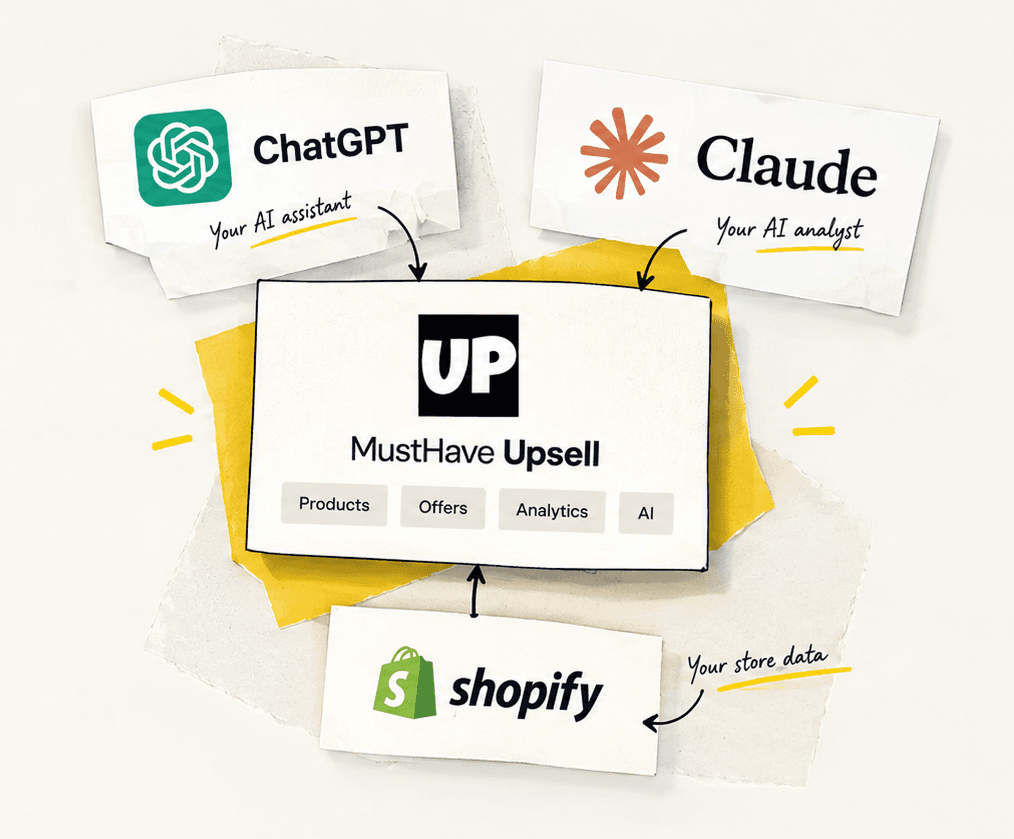
FROM STORE DATA TO YOUR NEXT MOVE
Find relevant products and suggest offers worth creating.
Understand which offers perform well and where there may be room to improve.
Use performance data to identify changes worth testing.
A GOOD QUESTION IS A GOOD START
Once connected, try these prompts in ChatGPT or Claude. Give your AI a clear goal and let your store data add the context.
AI suggestions are starting points. Review recommendations before making changes to your offers.
01Create offers
“Review my products and existing upsell offers. Suggest five relevant new offers and explain why each product pairing makes sense.”
02Analyze performance
“Analyze my upsell performance. Identify offers with weak acceptance rates and explain what additional data would help diagnose the problem.”
03Optimize existing offers
“Based on the available performance data, suggest three changes I should test next. Rank them by expected impact and explain your reasoning.”
TWO PROVIDERS. YOUR CHOICE.
Open AI connector in the MustHave Upsell app, copy your MCP server URL, and follow your provider's setup guide.
Bring your upsell data into your ChatGPT conversations.
See setup guideExplore products, offers, and performance with Claude.
See setup guideThe MCP server URL is public, but shop access requires OAuth approval. Each shop supports one active connection per provider, managed separately. Your AI provider receives offer, product, and analytics data retrieved in chat. Revoke access at any time from AI connector in the app.